Emotion learning, one little moment at a time
Big feelings.
Little steps.
Room to grow.
Meet HiSparkids Feelings, an emotion learning tool designed to support children’s emotional awareness and reflective thinking. Through playful learning, guided check-ins, and caring for a little world of feelings, children practice understanding emotions, making sense of everyday experiences, and considering their choices.
For everyday learning and conversations with your child.
Every feeling has a place.✦ A little check-in. A new beginning. ✓ No account needed✓ Mood records stay on device✓ No ads or behavioral analytics
A look inside
Three ways to explore
the world of feelings.
A learning path, a moment to reflect, and a little tank to care for. See the current app below.
01Learn↗
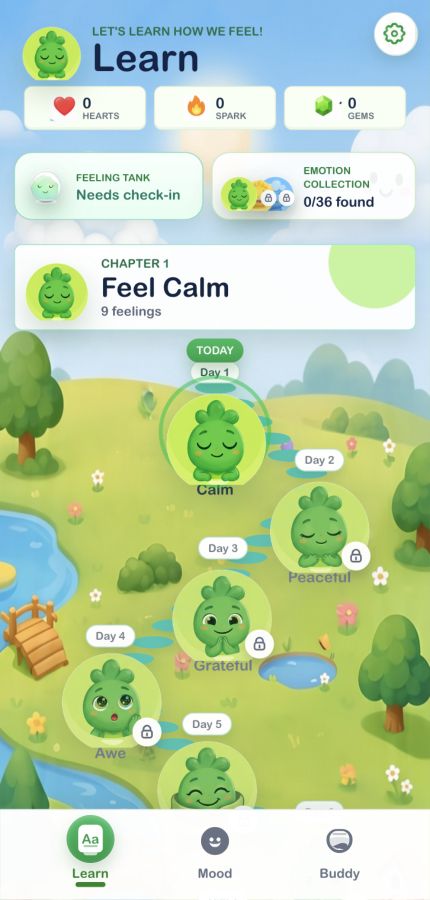
Learn from life’s little moments.
Turn everyday situations into a colorful learning path. Through short videos and simple questions, children practice understanding themselves, considering others’ feelings, and finding thoughtful ways to respond and connect.
02Mood↗
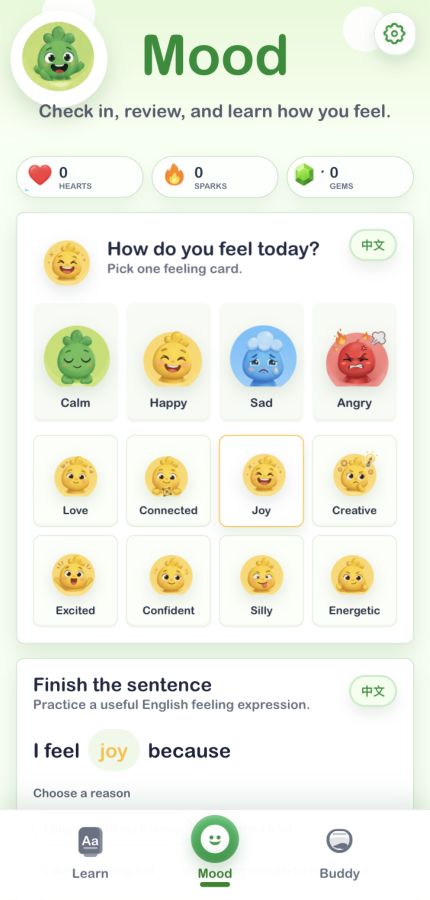
Your feelings, day by day.
Daily check-ins help children notice and express their feelings, while saved records show their mood weather throughout the year.
03Buddy↗
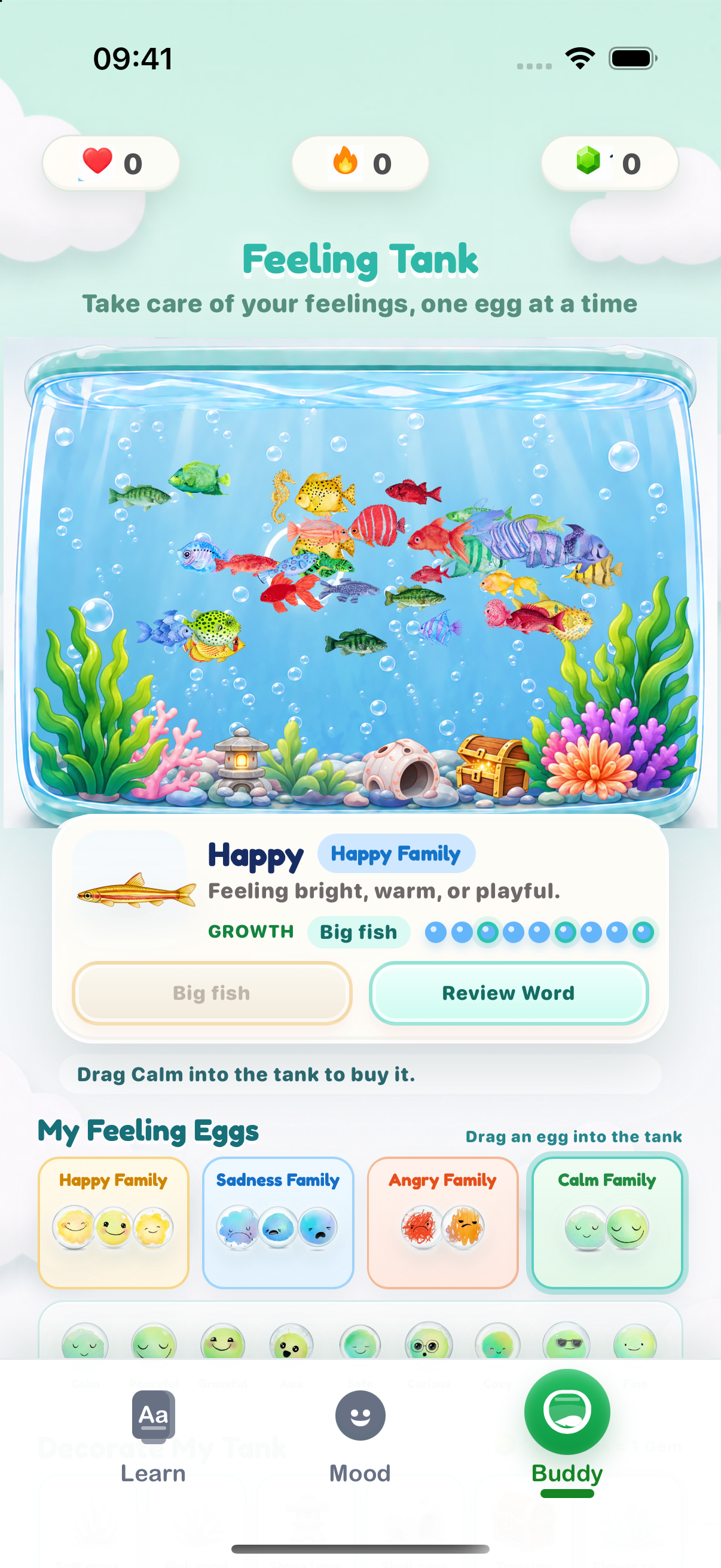
Care for a little feeling world.
Use in-app rewards to feed feeling eggs, grow little fish, and decorate your own Feeling Tank.
Learn and Mood show browser previews. Buddy shows the current iOS release build with example earned fish and decorations. Screens contain demonstration data, not child records.
Thoughtful by designLearning for them.
Clarity for you.
Feelings are personal. Parents should be able to understand what an app saves, what uses the internet, and how to stay in control.
Read our children’s privacy explanation ↗ 01Local records, no child account
Mood check-ins, progress, and Buddy activity are saved on the device. No child name, birth date, or email is requested.
A clear explanation of internet use
Lesson videos load from a content host. The host receives connection information, such as an IP address; mood records are not uploaded.
Controls belong with parents
The Parents & Privacy area protects purchases and local record controls with a parent gate.
Our first iOS betaA small beginning.
A thoughtful next step.
We’re preparing our first overseas beta for families.